Read & index
Establish the edition, structure and source locations.
A SOURCE-AVAILABLE LEARNING WORKSPACE
Source-grounded lessons. Connected study tools. A place to keep learning. Turn a textbook into a complete Study Studio with two bilingual Codex skills.

01 / THE OPEN LESSON
Explore tool use in AI agents, adapted from Microsoft's MIT-licensed AI Agents for Beginners curriculum. Follow one source through every learning format.
Double-click a concept for its explanation and source index. Expand, search and return to your saved view.
Open mind maps ↗02Recall the idea, reveal the answer and mark what needs another pass.
Explore flashcards ↗03Work through original questions, inspect explanations and revisit your mistakes.
Try the practice quiz ↗02 / WATCH THE LESSON
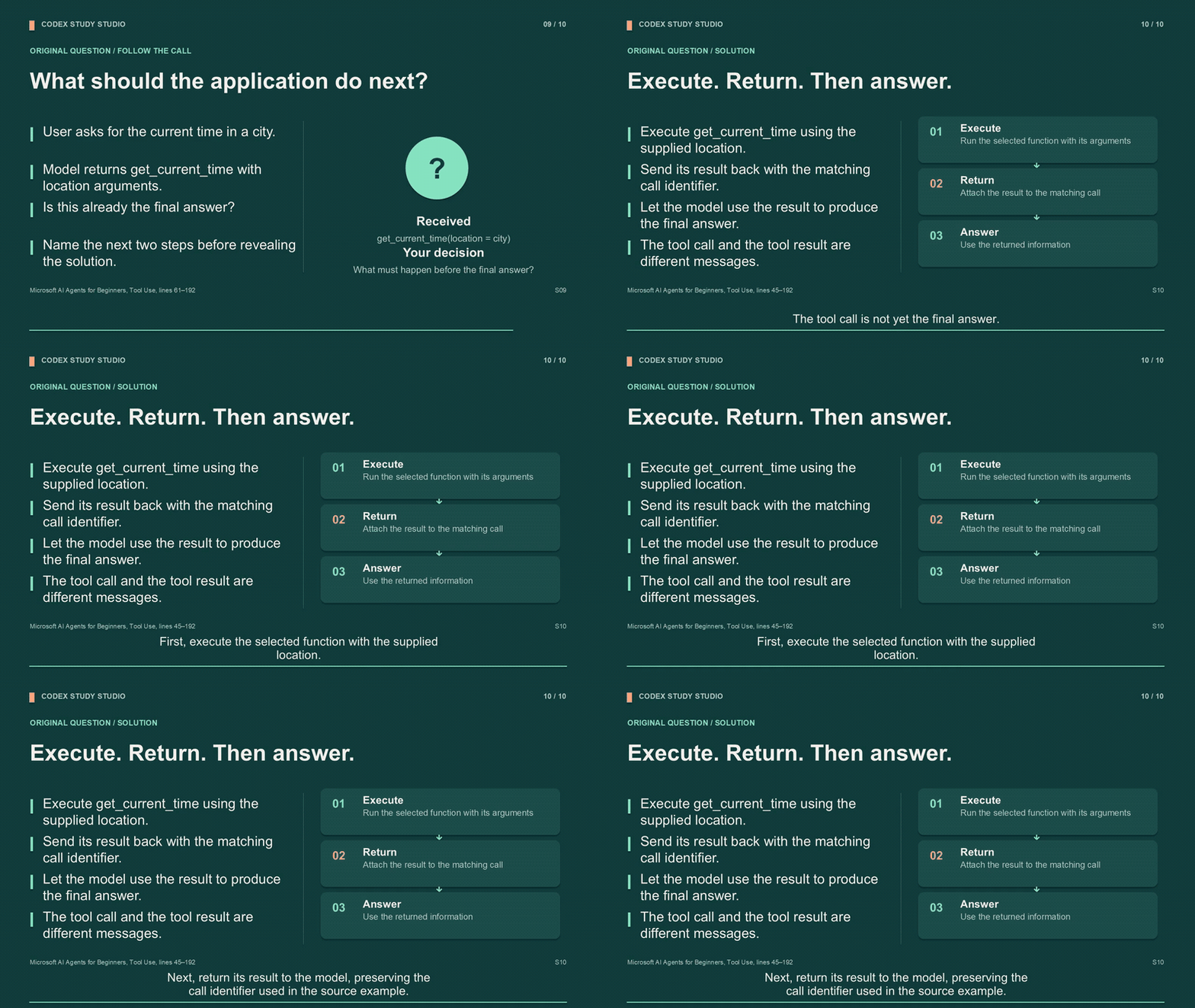
A 15-second excerpt from the narrated lesson, cut from the full teaching video. Press play for sound, or explore the complete source-linked materials below.
03 / A TRACEABLE WORKFLOW
Establish the edition, structure and source locations.
Verify official learning requirements where applicable.
Build the chapter's concepts, distinctions and worked examples.
Produce the requested modules and a single, lasting study hub.
04 / THE RESOURCE SHELF
05 / MAKE IT YOURS
English and Chinese packages are complete and independent. Install one or both. The bundled study-hub interface starts in English.
Use $skill-installer to install the skill from
https://github.com/Moonaria123/Codex-Study-Studio/tree/main/skills/study-studio-enExtract the skill folder into ~/.codex/skills/ or %USERPROFILE%\.codex\skills\. Keep the folder containing SKILL.md intact.
git clone https://github.com/Moonaria123/Codex-Study-Studio.git
cd Codex-Study-Studio
python scripts/install.py --language enpython3 "$CODEX_HOME/skills/.system/skill-installer/scripts/install-skill-from-github.py" --repo Moonaria123/Codex-Study-Studio --path skills/study-studio-enSet CODEX_HOME first, or use the default-home commands in the full guide.
